Use watch pages, Shorts, and youtu.be correctly
A YouTube video downloader needs the link for one public item. Standard watch pages, vertical Shorts URLs, and youtu.be share links can all identify a video. Copy the link from the player Share action instead of using a channel page, search result, or playlist address.
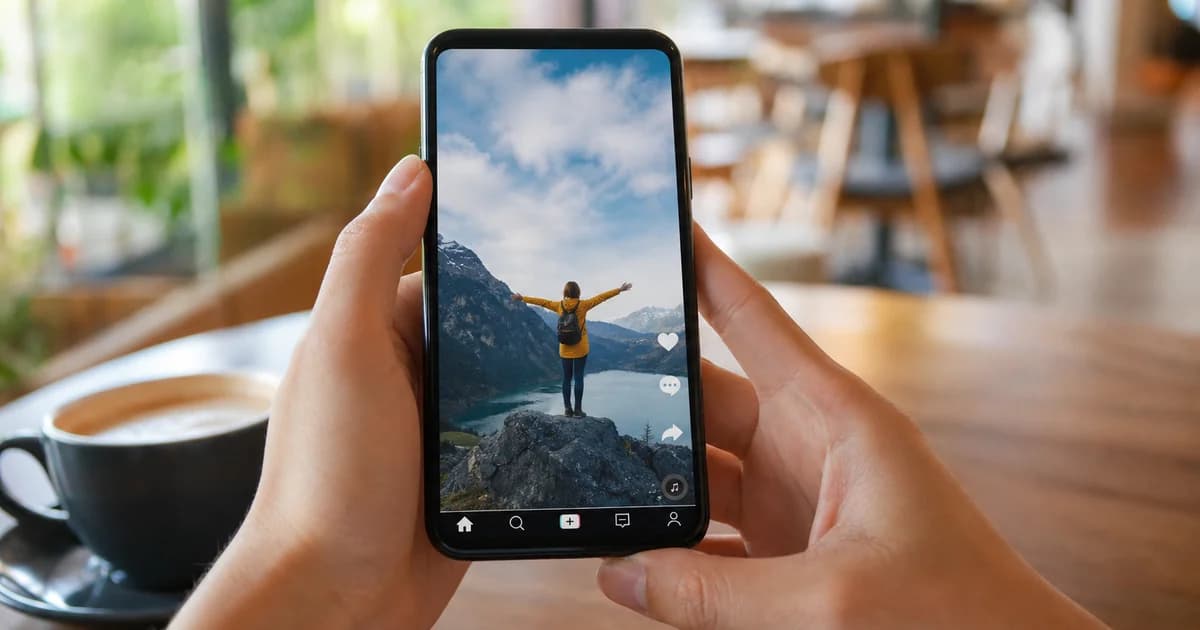
Shorts are still individual videos even though they play in a scrolling feed. Open the Short, select Share, and paste the complete URL. If a shortened link redirects oddly, open it once and copy a fresh public link from the destination player.
Choose YouTube to MP4 for normal playback
YouTube to MP4 is usually the simplest choice when you need picture and sound in one permitted offline file. A combined file plays easily in most media apps and is practical for tutorials, creator-owned uploads, and authorized educational clips.
Look at the listed resolution and size before downloading. The highest setting is not always necessary; a moderate option can look excellent on a phone while saving time and storage. The options shown depend on the streams exposed for that specific upload.
Use YouTube to MP3 only when audio is enough
YouTube to MP3 is useful when the visual track adds no value, such as with a spoken lesson, interview, or audio you have rights to retain. Check the Audio Only tab after a public video resolves and select a listed stream rather than assuming every upload offers one.
Audio quality reflects the source stream, not a magic enhancement. Keep creator rights, music licenses, and YouTube rules in mind. For more context, read our blog guide on YouTube to MP3 and keep the original source link with your authorized copy.
Understand quality and adaptive streams
Some high-resolution uploads use separate audio and video streams, while others expose a ready-to-play MP4 with audio. A Video with Audio option is the most convenient choice for ordinary viewing. Video-only files are best left to users who already have a legitimate editing workflow.
If 1080p or 4K is missing, it may not be publicly exposed for that video or may not suit anonymous playback. Select the highest useful listed option, then test the file. A source uploaded at a lower quality cannot become sharper after download.
Save from YouTube on phones and computers
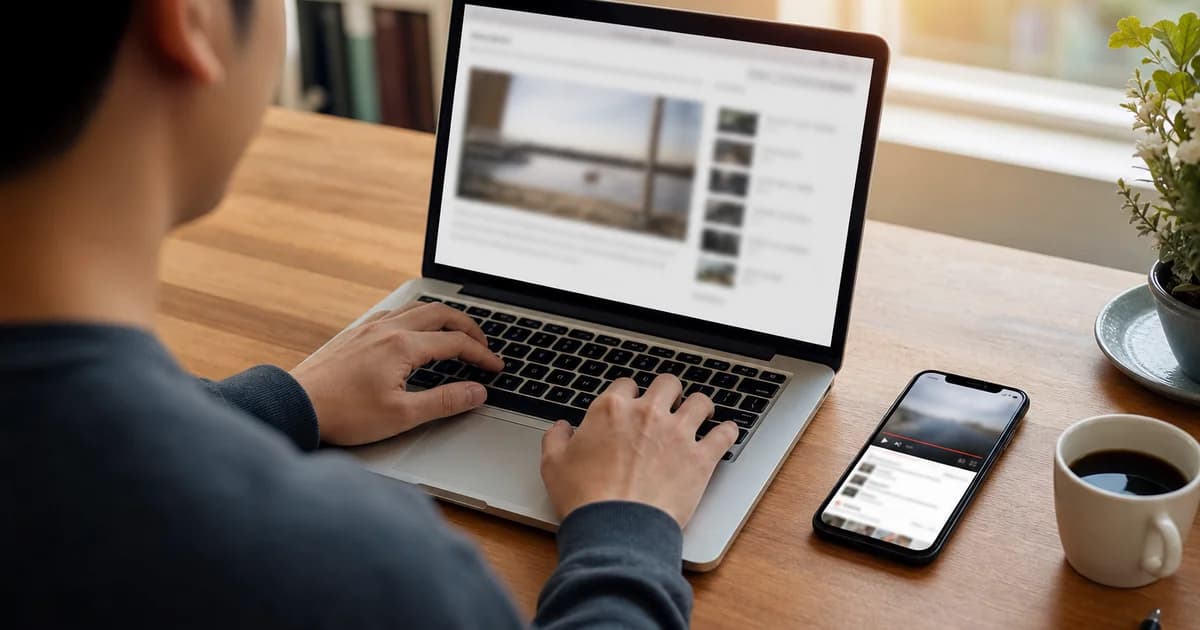
On desktop, paste the public URL into the field, choose a format, and save it where you can find it later. On mobile, use the YouTube app's Share menu, switch to your browser, and paste. Confirm the save destination if your device asks.
Avoid installing unverified extensions or apps merely to save a file. A browser-based YouTube video downloader has no software to update and no broad extension permission to grant. Keep the tab active until the download has finished.
Know when not to use a downloader
Do not use a third-party tool for private videos, members-only uploads, age-restricted content, protected streams, or material that you lack permission to copy. These restrictions exist for a reason, and a public-link workflow should not be used to bypass them.
For your own uploads, official YouTube Studio downloads can be a better source because they may preserve a cleaner creator copy. Use the platform's offline features when they are the permitted option, and do not redistribute another creator's work without rights.
Fix common public-link problems
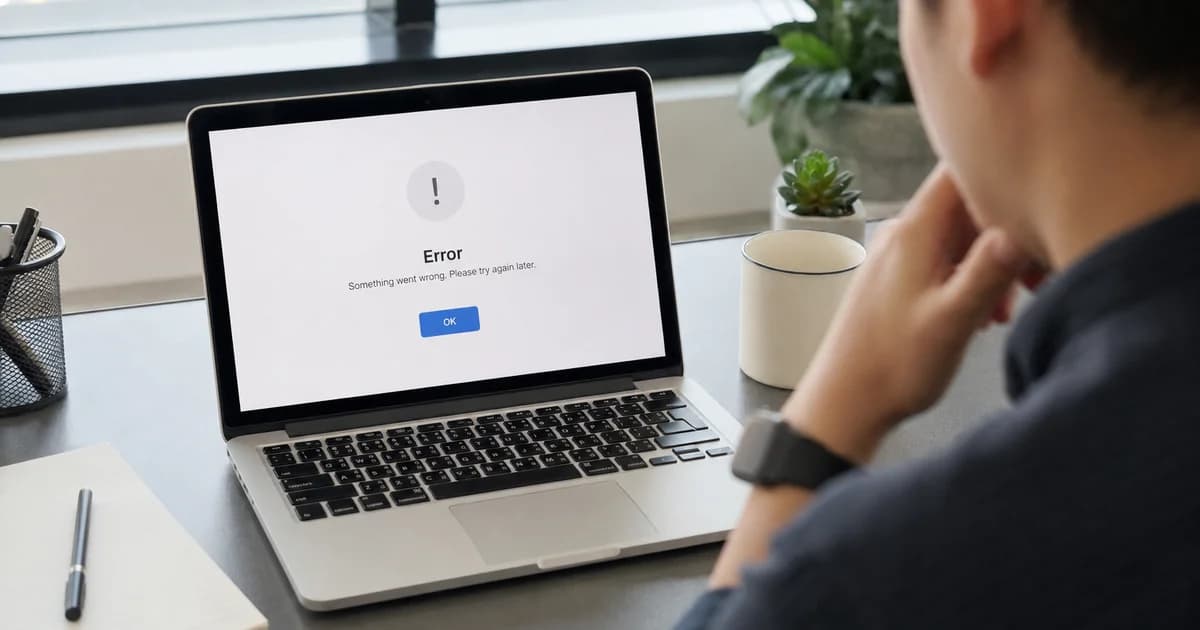
If a link returns no formats, verify that the video still plays in a signed-out private window. Then copy the URL again from Share and remove nothing from it. A playlist, embed URL, live event, or channel homepage is not a replacement for one published video link.
Temporary network errors can also interrupt a large save. Retry from a stable connection, check available storage, or choose a smaller listed file. Browse our related YouTube tips on the blog for step-by-step audio and Shorts guidance.